Scattered connectors
Each app ends up with its own access flows, logs, failure modes, and one-off connector logic.
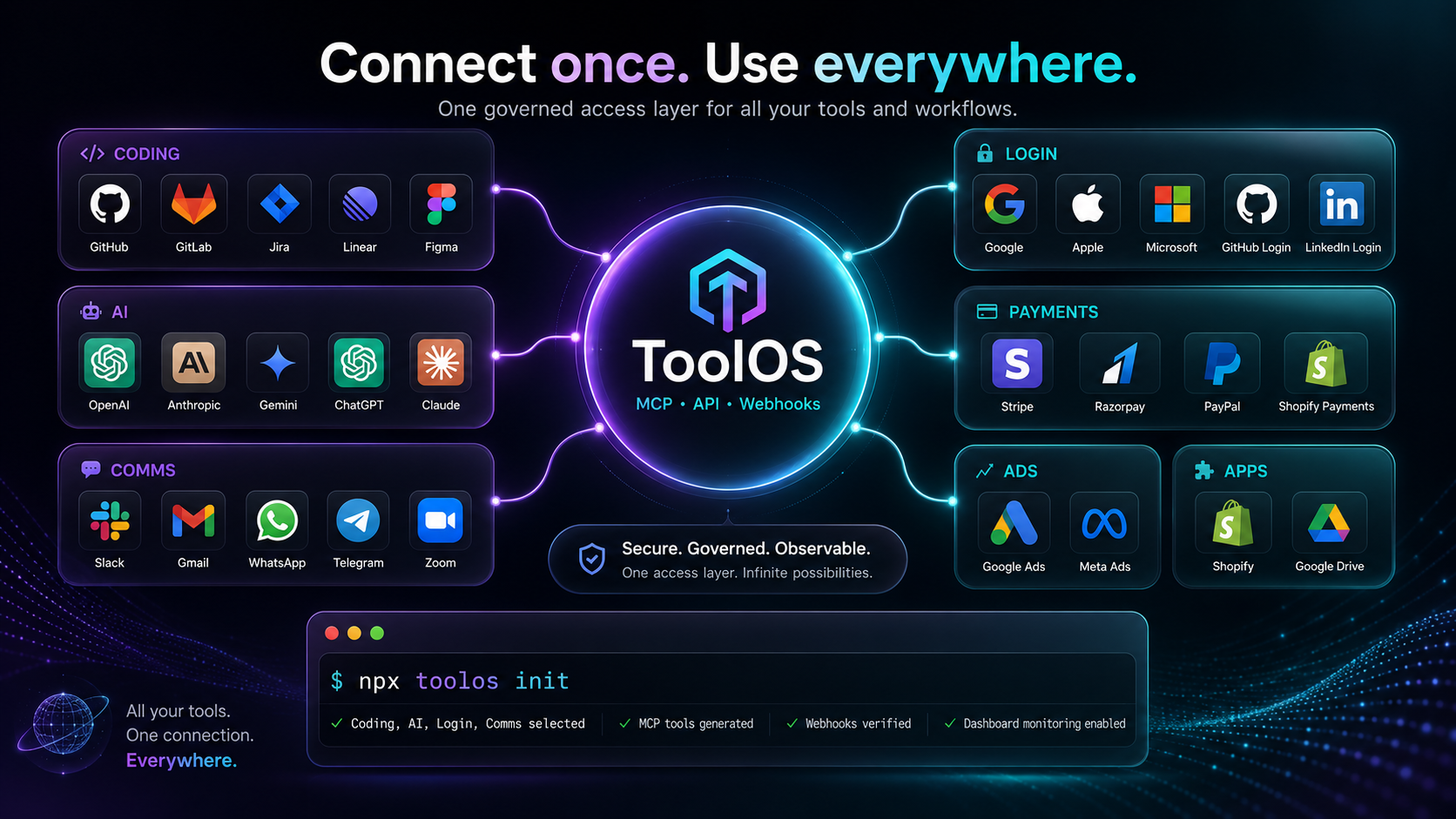
ToolOS is the secure connector layer for AI agents, SaaS products, internal tools, and client dashboards — giving approved access to coding tools, AI models, login providers, communication channels, payments, ads platforms, app stores, commerce systems, CRMs, analytics, and more through MCP, API, webhooks, and SDKs.
OAuth, scopes, refresh flows, webhooks, rate limits, logs, retries, monitoring, and provider upgrades are rebuilt in product after product. ToolOS turns that repeated work into shared infrastructure.
Each app ends up with its own access flows, logs, failure modes, and one-off connector logic.
Agents and products need real tool access, but permissions must stay scoped, audited, and protected.
When providers change scopes, schemas, or webhook behavior, every product should not break separately.
ToolOS gives every product and agent approved access without exposing sensitive credentials. Access is scoped by user, client, workspace, product, and agent.
Login-protected UI, role-based controls, OAuth flows, provider-specific setup, and workspace isolation.
Grant the minimum scopes each product or agent needs, with read-only defaults where possible.
Sensitive values stay protected across dashboards, logs, APIs, CLI output, MCP responses, and AI prompts.
Track who connected, tested, used, updated, disconnected, or escalated each integration.
Start with popular tools for code, AI, messaging, payments, calendars, analytics, publishing, and productivity — brought together in one governed access layer.
ToolOS is expanding toward the most requested tools across identity, collaboration, automation, payments, commerce, marketing, files, support, and product operations.
ToolOS separates connector families so developers, admins, and agents can understand what is connected: coding tools, AI systems, login and sign-up providers, communication channels, payments, ads, apps, commerce, analytics, and more.
ToolOS is not only a connector catalog. It is a control plane for every client integration, agent action, webhook event, quota limit, and provider upgrade.
Add integrations to products without rebuilding access, webhooks, test suites, docs, and dashboards each time.
Give agents safe access to real tools through MCP and APIs while keeping permissions governed.
See every client integration, usage pattern, failing connector, reconnect need, and provider change in one place.